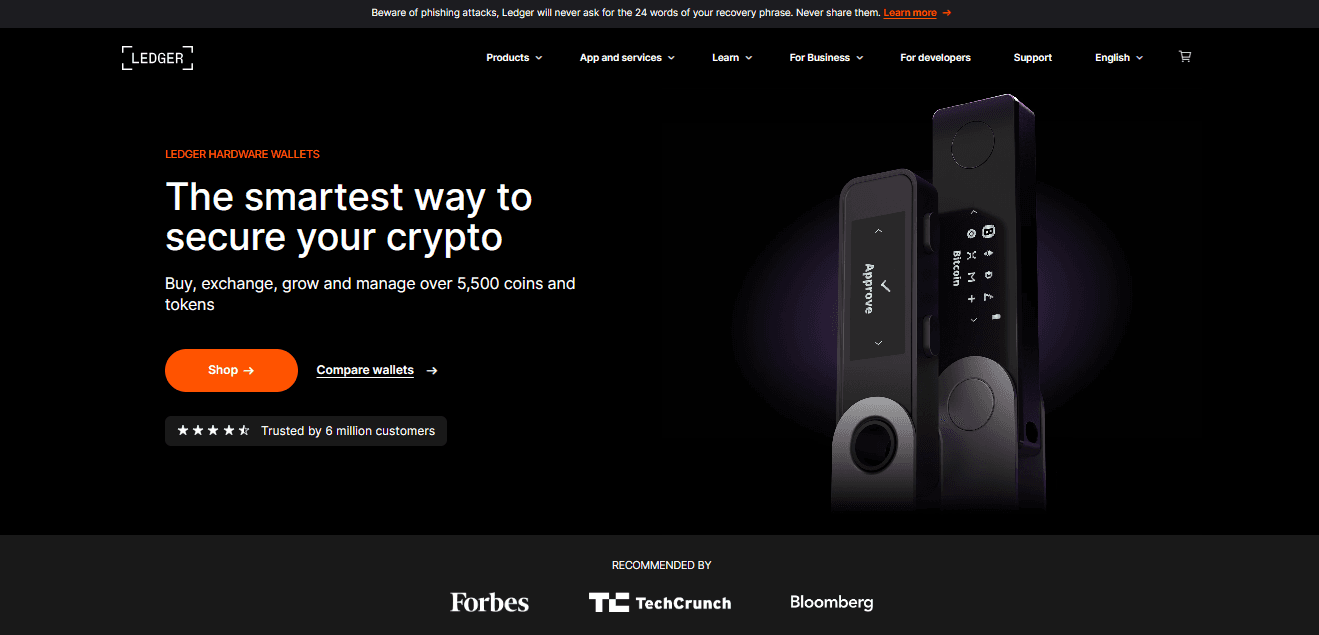
Welcome to your new Ledger hardware wallet. This quick-start guide will help you set up your device securely, create or restore your crypto accounts, and begin managing your digital assets with confidence.
Make sure the box is sealed and that your Ledger device, USB cable, and recovery sheet are all included. If anything looks unusual, contact Ledger Support before continuing.
Connect your Ledger device to your computer or mobile phone. Follow the prompts on the screen to select your language and begin setup.
Create a PIN code to protect access to your device. Use a code only you can remember, and never share it with anyone.
Your device will generate a 24-word recovery phrase.
Write it down carefully on your recovery sheet and store it in a safe, offline place.
This phrase is the only backup to your crypto—Ledger does not store or recover it for you.
Download Ledger Live, the official app for managing your assets.
Use it to install crypto apps, create accounts, send and receive crypto, and track your portfolio—all while keeping your private keys secured by your Ledger device.
Open Ledger Live, connect your device, and install the apps for the cryptocurrencies you want to manage. Then create or restore accounts as needed.
Verify all transaction details on your Ledger device screen before approving.
Your private keys never leave the device, ensuring maximum security every time you transact.
Regular updates provide new features and ensure your device stays protected against security threats. Always update through the official Ledger Live application.